

Give your Bible verse widget a next step
How often do you see a verse on your home screen, reach for your messages, and forget where it came from? A Bible verse widget makes a line easy to notice. To make that moment useful for reading, choose what you will do when a phrase seems familiar or gives you pause. Open the reference and read until you can say what the line is doing in the passage. This could take a minute at the kitchen counter or several minutes later when you have a chair and a Bible.
Decide on a small task you can recognize when it is done. You might read until the speaker changes or until three short instructions make sense together. The note you keep can be as plain as “Paul is speaking to the group.” Pick a threshold you can apply to tomorrow’s passage too. If you are away from your Bible, record the book, chapter and verse. The daily verse page is another place to start a reading, even on a computer or a phone without widgets.
Put the starting point where you can use it
Think of one place you already pause with your phone. If you have a moment before leaving the house, the first home screen may suit you. If you normally read during a break, test the home screen page you open then. Put the widget where you will see its reference without rearranging your entire phone. A compact tile can be easier to leave in place if you mainly use it as a link to the reading. Choose a larger layout if it makes the citation easier to find and you have room for it.
Test placement under ordinary conditions. Close the app, set the phone down, and later pick it up as you normally would. See whether you can spot the tile and read the citation without hunting. Five days of keeping the same position will tell you more than swapping sizes every morning. When you only glance at it, you can still jot down the reference for later. A visible tile adds an opportunity to read. The time you can give it will vary with the day.
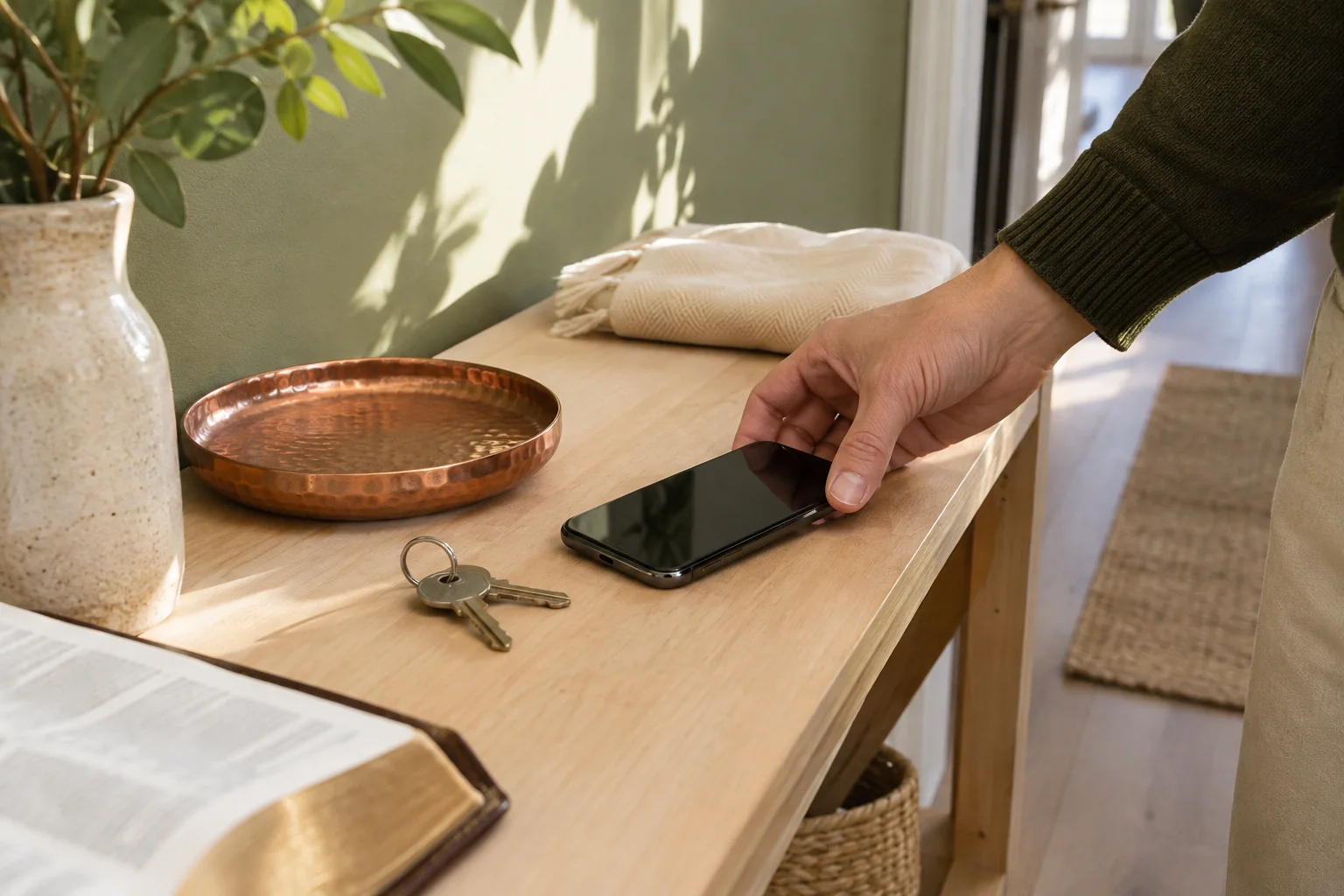
Add the widget and verify where a tap goes
On an iPhone with a compatible app already installed, hold an empty part of the Home Screen until editing is available. Open the widget gallery through Edit and Add Widget, or the plus control on versions that show it. Find the app by name, choose an available layout, and place the widget. On Android, press and hold a blank area of the home screen, open Widgets, find the provider, and drag the tile into place. Menu labels and the space you can use vary by launcher. The Android widget instructions explain how to move or resize one if your device offers the controls.
Once the tile is there, read its citation and tap it. With Psalia’s Daily Bible Verse in a supported build, it opens Today. The settings screen has a daily widget guide if your installed version includes that entry. Test the link before relying on it. Note the reference before opening any other app’s widget too, because some tiles open a dashboard, and a day change or a different language may give you something different from the line you remember.
Carry the reference into the reading
Copy the reference exactly enough to find it again: book, chapter and verse. A chapter opening is useful if you need to see who is speaking. When the sentence begins with a reply, move up to the question. If the line is one of a list, read the items around it until you can tell who is being addressed and what connects those instructions. Read far enough past the citation for a sentence that continues into the next verse. Use your translation’s paragraph breaks as a starting point, and widen the selection when a choice of section headings makes the exchange look shorter than it is.
Write two short lines before putting the phone away. On the first, record what you saw and which edition you read. On the second, record something you could only have learned by going beyond the tile. For instance, note the name of a person who asked the question or an instruction that sits next to the familiar one. If you want another way to work through a whole chapter, keep the chapter study guide handy.
For a verse you want to send to someone, try a second pass before pressing Share. Read the preceding sentence and check whether your message makes clear who is speaking. Include the reference and edition where you find them in the text. That gives the other reader a way to see the same passage and make their own observation.
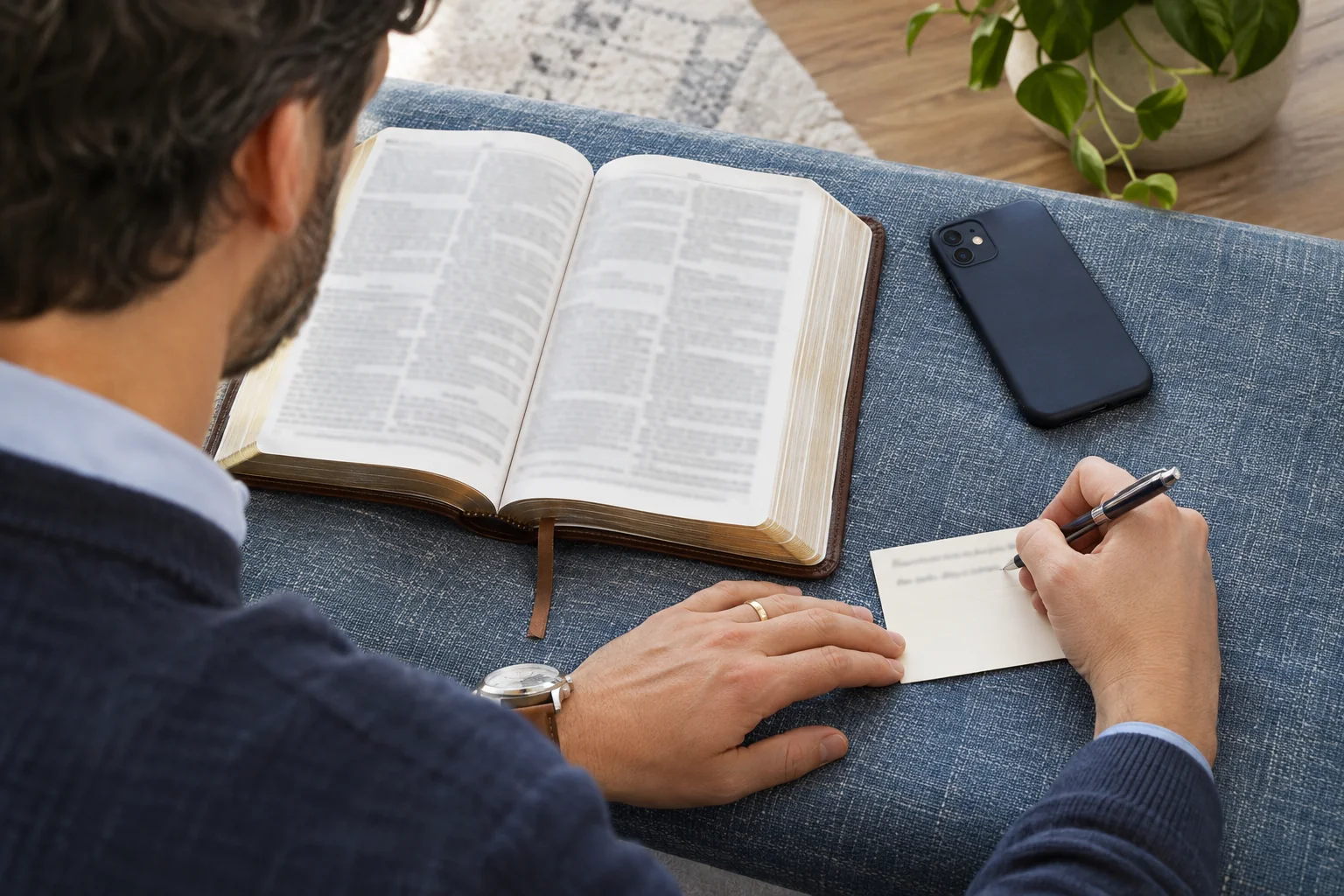
Try the short list around 1 Thessalonians 5:17
16Always rejoice.
17Pray without ceasing.
18In everything give thanks, for this is the will of God in Christ Jesus toward you.
Imagine the home screen gives you 1 Thessalonians 5:17 while you are waiting for the kettle. Look up the reference and read what Paul says on either side of the instruction about prayer. Verses 16–18 are short enough to read together. Joy, prayer and thanksgiving each get a line in the passage. If you stop after the middle one, you miss how it sits among other practices and how the final line describes the people to whom the words are directed.
What to keep. Write “1 Thessalonians 5:16–18. Prayer is one of three instructions that belong together here.” Then check verses 14–15. They speak of encouraging people, supporting the weak and being patient. If your first note sounded like a demand to spend every moment speaking aloud, make a fresh note about the letter’s instructions to a community. The larger passage gives you an actual reason to change your wording.
On the next day, reread the reference without the card and see if you can point to the group of three again. Read the conclusion of the letter if you have time. It is easy to remember this line as advice addressed only to you when a screen serves it to one person. Remembering the recipients changes the kind of question you can ask about how to live with it.

Follow the conversation behind Luke 10:42
40But Martha was distracted with much serving, and she came up to him, and said, “Lord, don’t you care that my sister left me to serve alone? Ask her therefore to help me.”
41Jesus answered her, “Martha, Martha, you are anxious and troubled about many things,
42but one thing is needed. Mary has chosen the good part, which will not be taken away from her.”
Suppose the line on the tile is Luke 10:42 and it is early enough to read for a few minutes. Open at verse 38, where Martha welcomes Jesus, and see what Mary does before Martha approaches him. When Jesus answers, notice which sister he addresses. Verse 42 continues that answer, so include verse 41 when you read it. In a brief excerpt, it is easy to remember the choice and lose the question that prompted the response.
What to keep. Write “Luke 10:38–42. Martha asks Jesus to send Mary to help. Jesus answers Martha. The last sentence belongs to that reply.” Read verse 40 again and check the sequence yourself. Then decide which words about serving, listening or worry you want to return to. A summary that gives each person something specific to do will be easier to verify than a general comment about priorities.
If you have to leave before the whole paragraph makes sense, keep the range of verses on a note. Resuming at verse 38 takes you straight back to the house and its guests. The tile may present another passage when you next look. Your reference will still lead you to this encounter.
Expect limits of space, language and timing
Phone widgets display within space that the system gives them. A long verse or a small layout may truncate the text. Tap through or use the reference to read the full line. Psalia’s native widget pulls from bundled verse data. The Android implementation uses English or German for the tile, while iOS selects from the installed widget’s language data and can fall back to English. The Bible edition you pick inside the app can differ. Keep the citation and check the edition when you quote or take a note.
The operating system also controls aspects of widget refresh. If the date has just changed or a device has been asleep, compare what you can see in the app with the tile instead of guessing which reading it meant. The widget opens Today in Psalia, which may already show another entry. An old reference is still usable. If the widget is missing altogether, the app’s ordinary Today page or a paper bookmark supports the same reading routine. Choose what you can find quickly at the time you actually read.
Check what you can find again tomorrow
Before you call the setup finished, open the tile once and see how many steps it takes to reach a full passage. Verify that you can find the verse number, see the preceding sentence and name the translation. Save a reference someplace you already check. Test that you can find it again while the app is closed. A reference on the back of a grocery list helps only if the list will still be there when you want to read.
At the end of a few days, choose one note to reread. Can you locate the verse again? Can you recognize the phrase that leads into it or the reply that follows it? Can you say something more precise about it than you could at the first glance? If you found the verse but were too rushed to read around it, make the next open easier by moving the tile or moving the reading to a calmer time. Leave the rest of your home screen alone until you know which change helped.
Questions about Bible verse widgets
Does a Bible verse widget send a notification?
A widget sits where you place it and displays information there. A scheduled reminder is a separate feature that can interrupt you at a chosen time.
Why is the text on my tile in a different language?
Check the supported languages for that widget and the app’s separate reader edition. A tile can use its bundled language data while the reader is set to another translation.
Can I use the method with a paper Bible?
Yes. Write the reference, open your Bible and start at the beginning of the exchange or paragraph. Check the edition if you copy the wording.
Should I always read the whole chapter?
Start with enough sentences to understand who is speaking and what the sentence answers or continues. Read more when the paragraph refers to something you still cannot identify.